AI for NetSuite.
NetSuite's native AI is moving fast on standard tasks — text generation, assisted reconciliation, planning suggestions. What it will never build is the decision workflow specific to your entities, your items, and your cash cycle. That is what we deploy.
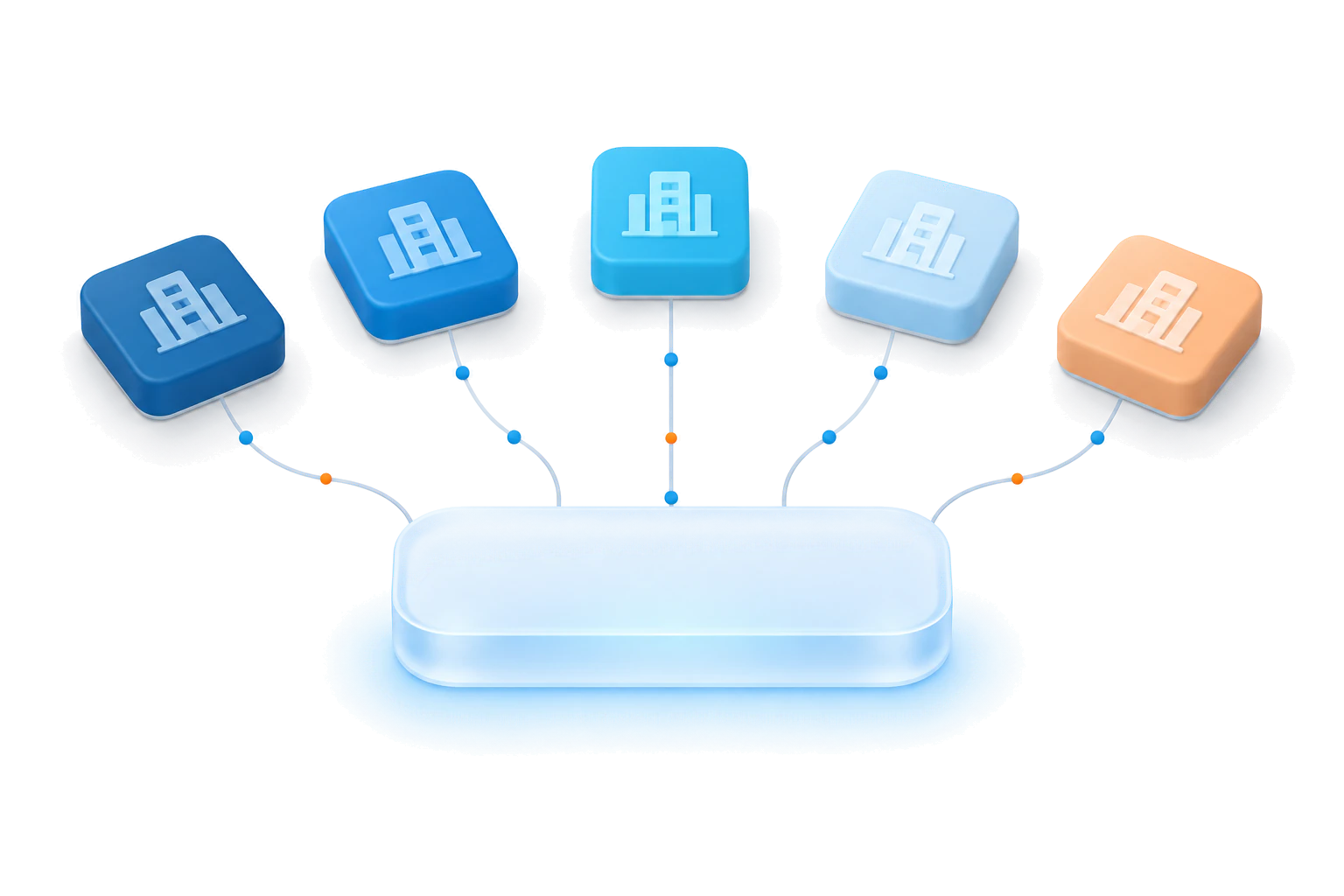 Portfolio companies on NetSuite Mantrix · one decision layer
We work inside NetSuite's real constraints — saved search and analytics limits included — and use the newer AI connector paths that let you bring your own models to NetSuite data, under your governance.
Use what NetSuite ships. Add what it won't.
Native features accelerate reconciliation and planning for every customer the same way. Engineered decision workflows are different: they encode your entity structure, your item economics, and your approval chain — and they write back under your control.
Decision workflows for the mid-market P&L.
Margin truth across subsidiaries, currencies, and intercompany flows — resolved into one decision view your CFO can act on.
Stocking and reorder decisions by item and location, tuned to your actual demand patterns and working-capital targets.
Anomalies, stuck orders, and payment behavior surfaced with the action that unblocks them — approved by your team, written back.
A forward cash view grounded in receivables behavior, payables timing, and pipeline reality — not a spreadsheet exercise.
The default ERP of the lower middle market.
For operating partners: NetSuite is where your portfolio already lives. We deploy the same decision workflows portfolio-wide — 100-day value plans, EBITDA bridges you can defend, and working capital release measured on each company's numbers, with one playbook across the fund.
Your first 30 days on NetSuite.
One decision, one paired-expert pod, four weeks — from read-only access to a governed workflow in production.
- 1Week 1
Read-only access
We connect to NetSuite read-only — through SuiteTalk REST, saved searches and SuiteAnalytics, with token-based or OAuth 2.0 authentication, map your configuration and custom logic, and pick one expensive decision with your team.
- 2Week 2
Ground the data
The data behind that decision is grounded in the Nexus context layer and reconciled against the numbers your finance team already trusts.
- 3Week 3
Build and test
The workflow is built against your live data, with an evaluation suite from test cases your team approves and approval gates mapped to your roles.
- 4Week 4
Into production
Named approvers, the audit trail and the kill switch go live. Approved actions write back to NetSuite, and we measure the result.
The NetSuite data behind each decision.
- Sales orders & fulfillmentsOrders and item fulfillments — what was promised and what shipped.
- Invoices & customer paymentsReceivables and payment history, for order-to-cash and cash forecasting.
- Purchase orders & vendorsCommitments and supplier records behind spend and payables timing.
- Inventory itemsItem records and stock, for stocking and reorder decisions.
- Subsidiaries & intercompanyEntities, currencies and intercompany flows, resolved into one decision view.
- Journal entriesThe ledger postings that tie each decision back to the P&L.
How does Mantrix connect to NetSuite?
Through SuiteTalk REST, saved searches and SuiteAnalytics, with token-based or OAuth 2.0 authentication — and the newer AI connector paths that let you bring your own models to NetSuite data. Change notifications can come from a small User Event SuiteScript in your account, under your control.
We already use NetSuite’s built-in AI. Why add Mantrix?
Native features speed up reconciliation and planning the same way for every customer. Decision workflows are different: they encode your entity structure, your item economics and your approval chain.
We run several subsidiaries — or a whole portfolio.
Start with one entity and one expensive decision. Then scale what works across entities, or across the portfolio with one playbook for the fund.
Can Mantrix change data in NetSuite without approval?
No. Mantrix recommends, a named person approves, and every action is recorded in Mantrix Gate, a tamper-evident audit log.
Where does our data live?
Your choice: SaaS, your own AWS account, or a VM — in every option, data stays under your governance. Mantrix Projex AI also runs as a hardened image in your AWS account, including AWS GovCloud, fully offline.
One entity, one decision, thirty days.
Start with a single company and a single expensive decision. Scale what works — across entities, or across the portfolio.